2.5 - Headings
Headings
The Heading Element - TOP
Text appearing on a Web page is displayed in a default font style and size unless specified otherwise. Most browsers display text in the Times New Roman font face, or font family at approximately 12-point size. In order to add visual variety to your pages, you will likely want to choose other font faces and sizes for different sections of your document. This is a topic that is taken up in more detail later; however, there are simple ways to change text sizes to permit you to add various levels of headings to your pages.
The <hn> (heading) tag is a block-level and container tag that encloses a string of text for display in one of six heading styles. Its general format is shown in Figure 2-13.
<hn>Heading Text</hn>Figure 2-13. General format for heading tags.
The number n in the tag ranges from 1 (largest) to 6 (smallest). These six heading levels are coded in the following example and displayed in the browser as shown in Figure 2-14. A standard paragraph is displayed for comparison.
<h1>This is Heading Level 1<h1><h2>This is Heading Level 2<h1><h3>This is Heading Level 3<h1><h4>This is Heading Level 4<h1><h5>This is Heading Level 5<h1><h6>This is Heading Level 6<h1><p>This is a normal text paragraph.</p>
Listing 2-8. Creating headings with the <hn> tag.
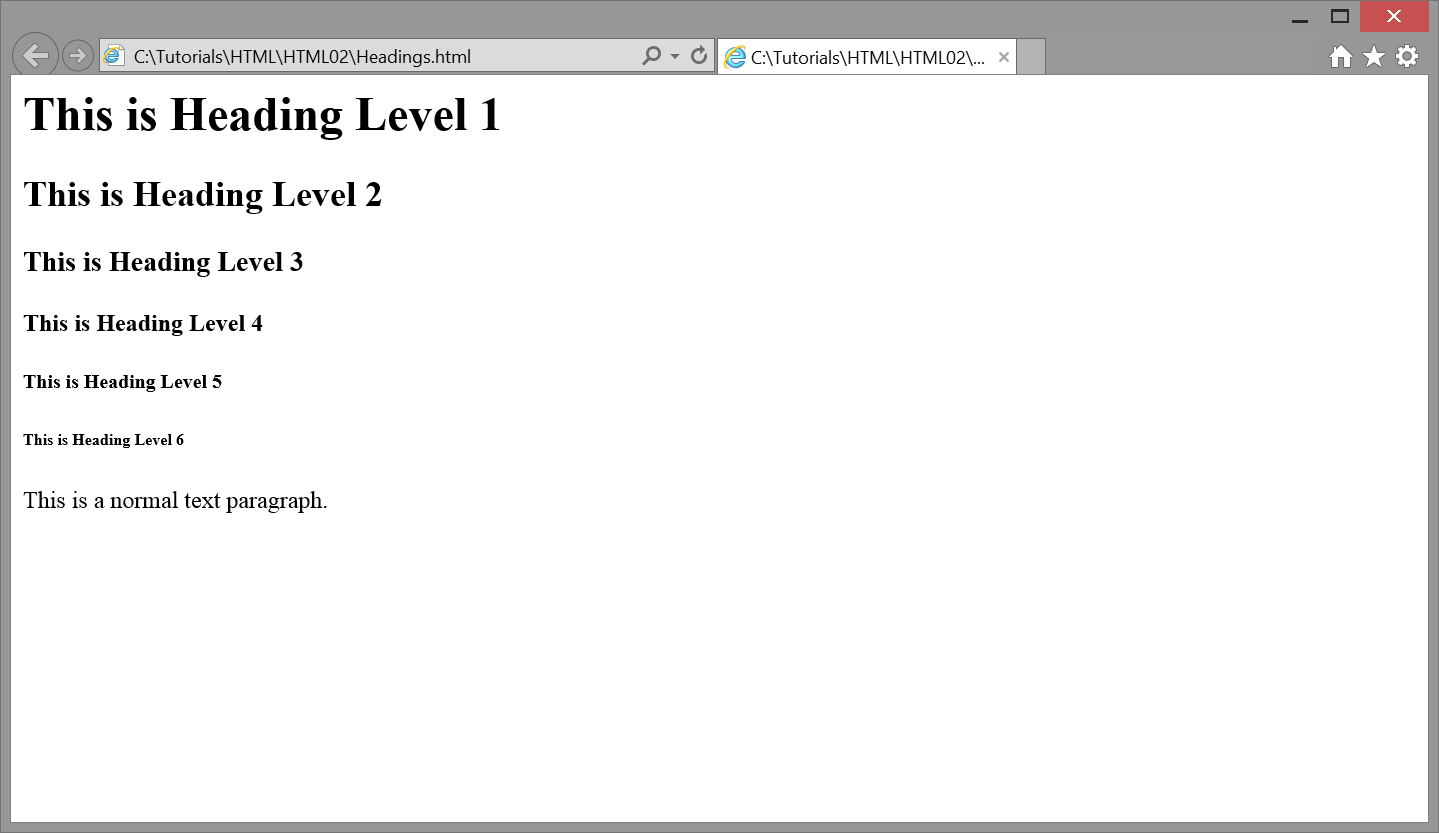
Figure 2-14. Browser display of <hn> tags
Headings are displayed in bold characters in the default font face. They appear on a line by themselves preceded and followed by a single blank line. Thus, the <hn> tag cannot be used to change text sizes. In the middle the tag cannot be used to change text sizes in the middle of a line or middle of a paragraph since it forces a line break before and after its enclosed text. It is used for block-level, stand-alone text, and is most often used as content headings to identify and set apart sections of a Web page.
HTML 5 Heading Semantics - TOP
While heading tags do provide a convenient way to style text, they are designed to mark the heading for a section of content on the page. Headings with lower numbers are considered higher in rank, and content on a page should be structured with the appropriate header ranking. Listing 2-8-1 illustrates this use of headings to section content.
<h1>North America</h1><p>North America is a large continent which contains many countries</p><h2>The United States of America</h2><p>The United States of America is a country located in North America</p><h3>The State of Georgia</h3><p>Georgia is one of fifty states found in The United States of America</p>
Listing 2-8-1. Using headings to section content.
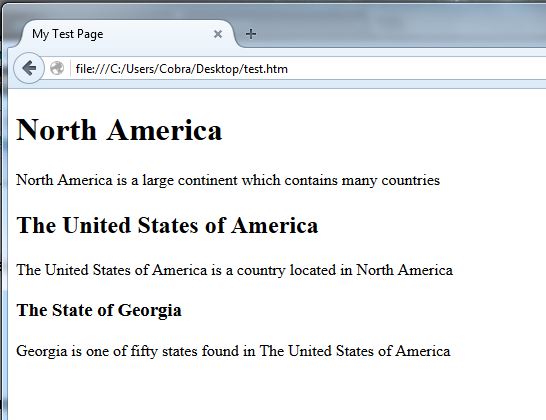
Figure 2-15. Heading and paragraphs displayed in browser.
The main section, "North America", is marked with an <h1> tag to indicate that it is the start of a major section on the page. Next, "The United States of America" is marked with an <h2> tag to indicate that it begins a subsection of "North America". Finally, "The State of Georgia" is marked with an <h3> tag to indicate that it begins a subsection of "The United States of America". In this way, tags can be used to section and subsection content on a page.
Deprecated align Attribute - TOP
Headings can be aligned to the left (default) or right, or they can be centered on the line by applying the
align="left|center|right"
attribute to the <hn> tag. The following code, for example, centers a heading horizontally between page margins.
<h1 align="center">Centered Heading>></h1>
Since align is a deprecated attribute under HTML 5 standards, it should be used only as a temporary method to align headings. Later tutorials cover style sheet standards for aligning text horizontally on a page.