15-9. Checkbutton widget
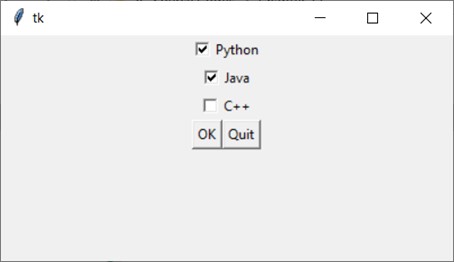
A Checkbutton is comprised of a small box accompanied by a label positioned adjacent to it. The presence of a check mark signifies when it's selected. Users have the liberty to select any or all of the Checkbuttons displayed within a group. Unlike Radiobuttons, Checkbuttons are not mutually exclusive.
For example,
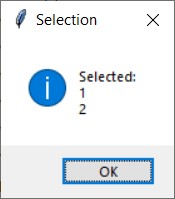
Output: