15-11. Canvas widget

The Canvas widget serves as a blank rectangular space where you can create basic 2D shapes. Utilizing the Canvas widget's screen coordinate system, you specify the positioning of your graphics. The coordinates commence with the pixel at the upper-left corner of the screen represented as (0, 0), with X coordinates progressing from left to right and Y coordinates advancing from top to bottom.

The Canvas widget offers a variety of methods for drawing graphical shapes directly onto its surface. Some of the methods we will cover include:

create_line
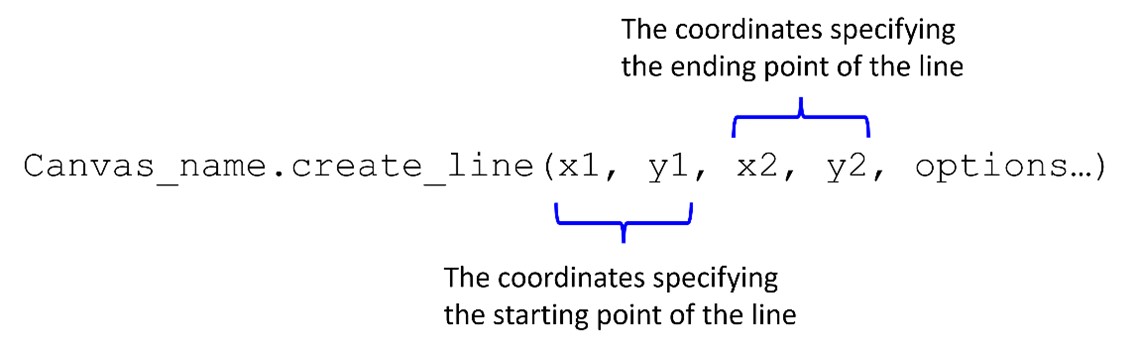
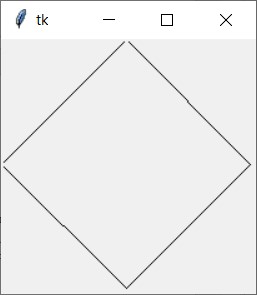
Canvas_name.create_line(x1, y1, x2, y2, options). x1 and y1 are the coordinates specifying the starting point of the line. x2 and y2 are the coordinates specifying the ending point of the line.

Output:

Four lines form a rectangle.


create_rectangle

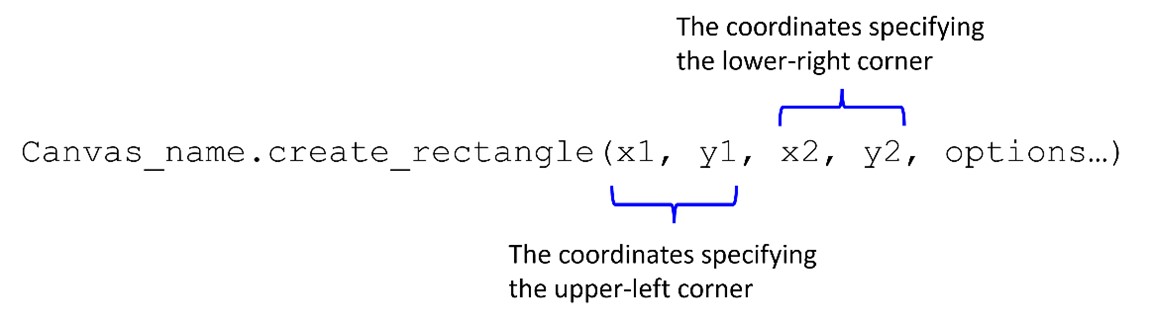
Canvas_name.create_rectangle(x1, y1, x2, y2, options). x1 and y1 are the coordinates specifying the upper-left corner. x2 and y2 are the coordinates specifying the lower-right corner.


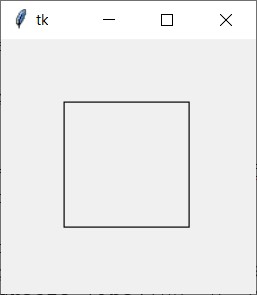
Output:

A rectangle with a width of 100 and a height of 100 is drawn.


create_oval

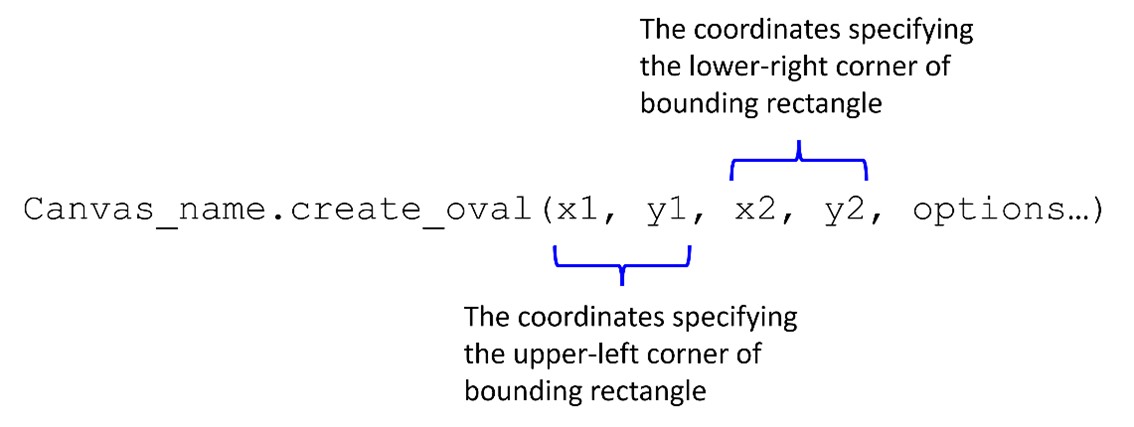
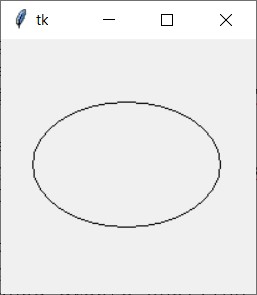
Canvas_name.create_oval(x1, y1, x2, y2, options). x1 and y1 are the coordinates specifying the upper-left corner of bounding rectangle. x2 and y2 are the coordinates specifying the lower-right corner of bounding rectangle.


Output:

An oval is drawn with the top-left coordinates (25, 50) and the bottom-right coordinates (175, 150).


create_arc

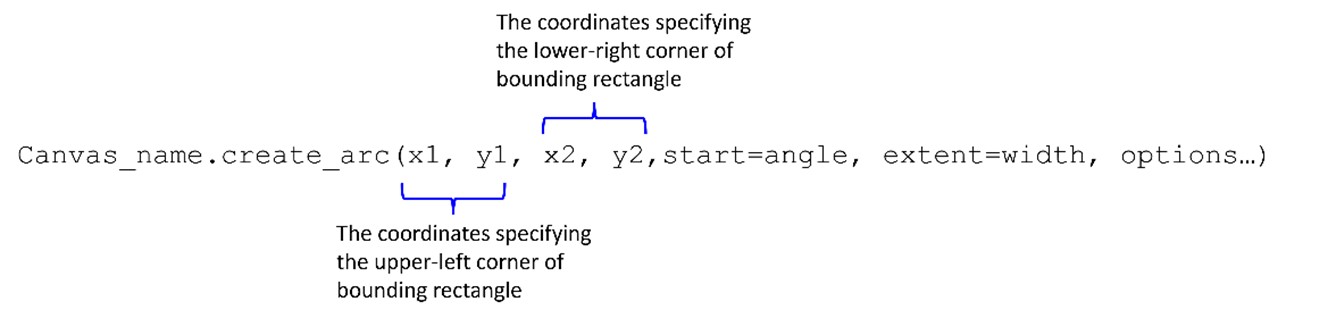
Canvas_name.create_arc(x1, y1, x2, y2, start=angle, extent=width, options). x1 and y1 are the coordinates specifying the upper-left corner of bounding rectangle. x2 and y2 are the coordinates specifying the lower-right corner of bounding rectangle.


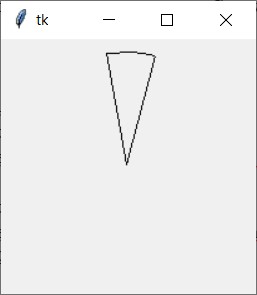
Output:

An arc is drawn with the top-left coordinate at (10, 10) and the bottom-right coordinate at (190, 190), starting at 75 degrees and spanning 25 degrees.


create_polygon

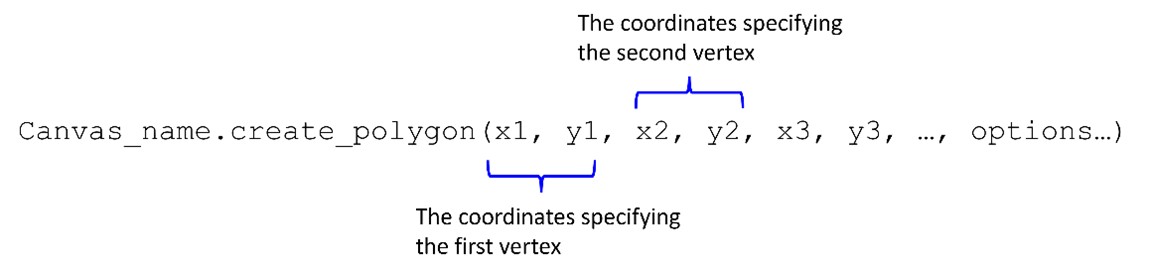
Canvas_name.create_polygon(x1, y1, x2, y2, x3, y3, ..., options). x1 and y1 are the coordinates specifying the fist vertex. x2 and y2 are the coordinates specifying the second vertex.


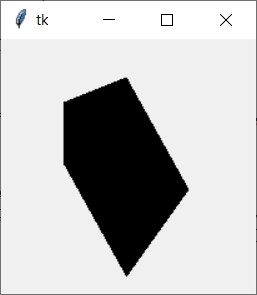
Output:

A pentagon is drawn with the following vertices: (50, 50), (100, 30), (150, 120), (100, 190), and (50, 100).


create_text

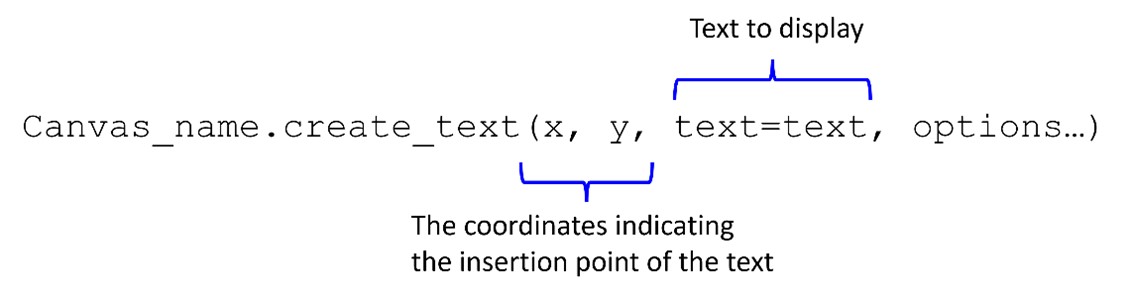
Canvas_name.create_text(x, y, text=text, options). x and y are the coordinates indicating the insertion point of the text. Text to display.


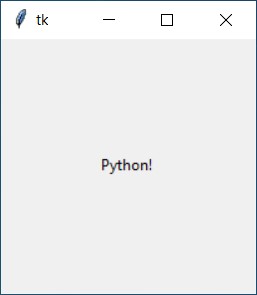
Output:

Python! text is drawn.